Image Alt Text Best Practices (Examples + SEO Guide)
Master the art of writing effective al text for SEO and accessibility with real, actionable examples.
Image alt text plays a critical role in both SEO and accessibility, yet it’s often misunderstood or ignored.
This guide explains how to write effective image alt text using proven best practices, real examples, and common mistakes to avoid.
Why Image Alt Text Matters for SEO & Accessibility
Well-written alt text helps:
- Screen readers describe images to visually impaired users
- Google understand image content for Image Search
- Improve relevance signals for surrounding content
- Prevent accessibility compliance issues
Alt text helps Google understand image content and accessibility, which can support image search visibility.
Poor alt text, on the other hand, can hurt usability and reduce search visibility.
What Is Image Alt Text?
Alt text is a short written description of an image found in the HTML code.
<img src="shoe.jpg" alt="Red Nike running shoe size 10">
It serves two purposes:
- Accessibility: Screen readers read this text aloud to visually impaired users.
- SEO: Google bots cannot "see" images. They read the alt text to understand what the image is about.
How Google Uses Alt Text
Google uses alt text to understand image content and accessibility; ranking depends on relevance, context, and page signals. It also uses it as context for the rest of your page content. If you are writing a review of a car, and your image alt text explains the specific engine part shown, it reinforces your topical authority.
Important Clarification Alt text does not directly affect rankings, but it strongly supports accessibility, image relevance, and overall SEO signals.
According to Google’s image SEO guidelines (Google Image SEO documentation), alt text helps search engines understand the content of images. Alt text does not directly improve rankings, but it strengthens image relevance, accessibility, and overall SEO signals.
Best Practices for Writing Alt Text
Related: Image Optimization Guide (Pillar)
1. Be Descriptive
Describe exactly what is in the image. Imagine you are describing it to someone over the phone.
2. Avoid Keyword Stuffing
Don't write: alt="buy shoes cheap shoes best shoes nike shoes".
Google may ignore the alt text or treat it as spam.
Avoid stuffing keywords into alt text.
3. Context Matters
The alt text should relate to the content of the page. If the image is a generic "office meeting" stock photo, focus on the action relevant to your article.
Good vs Bad Alt Text Examples
Example 1: Product Photography
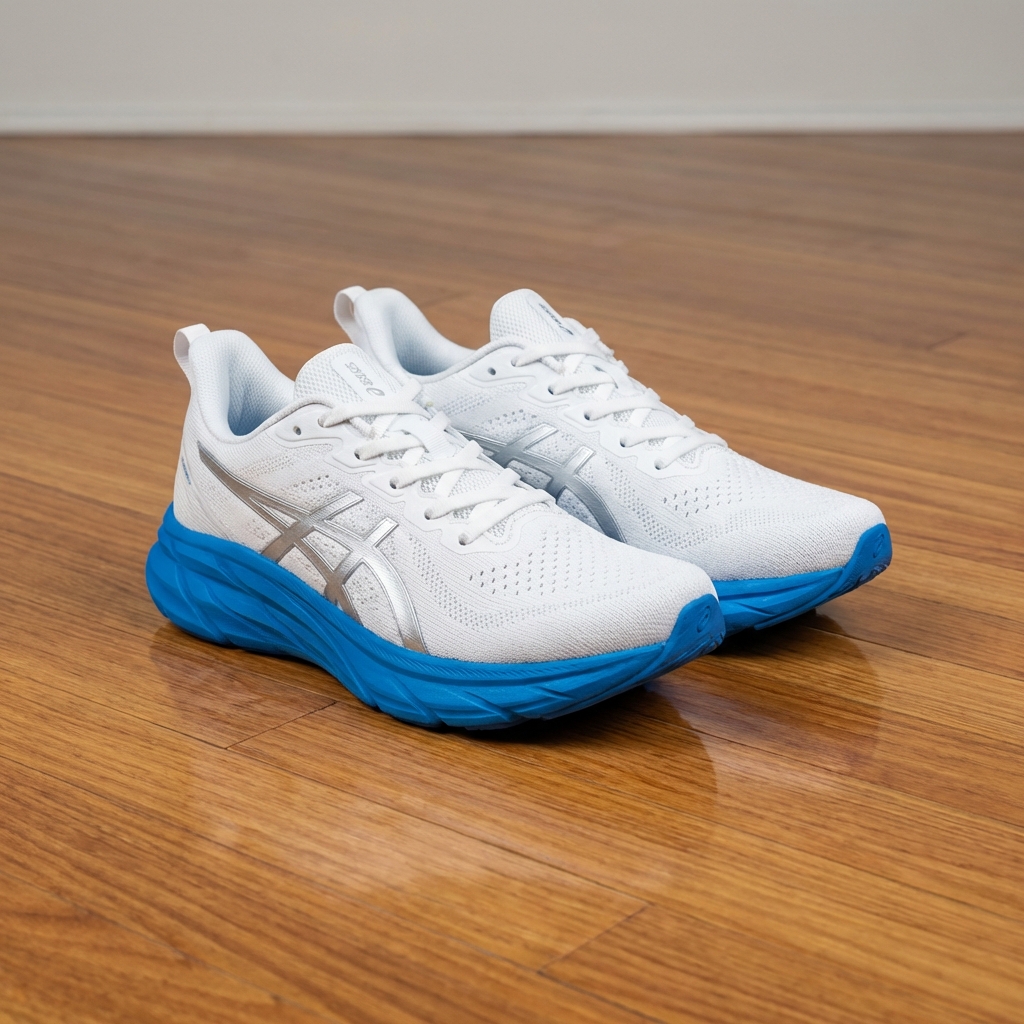
- ❌ Bad (Missing):
alt="" - ❌ Bad (Vague):
alt="shoes" - ❌ Bad (Keyword Stuffing):
alt="shoes shoes shoes buy shoes cheap running sneakers" - ✅ Good:
alt="White running shoes with blue sole on wooden floor"
👉 Fix: Keep alt text descriptive, not promotional.
Example 2: Data & Charts
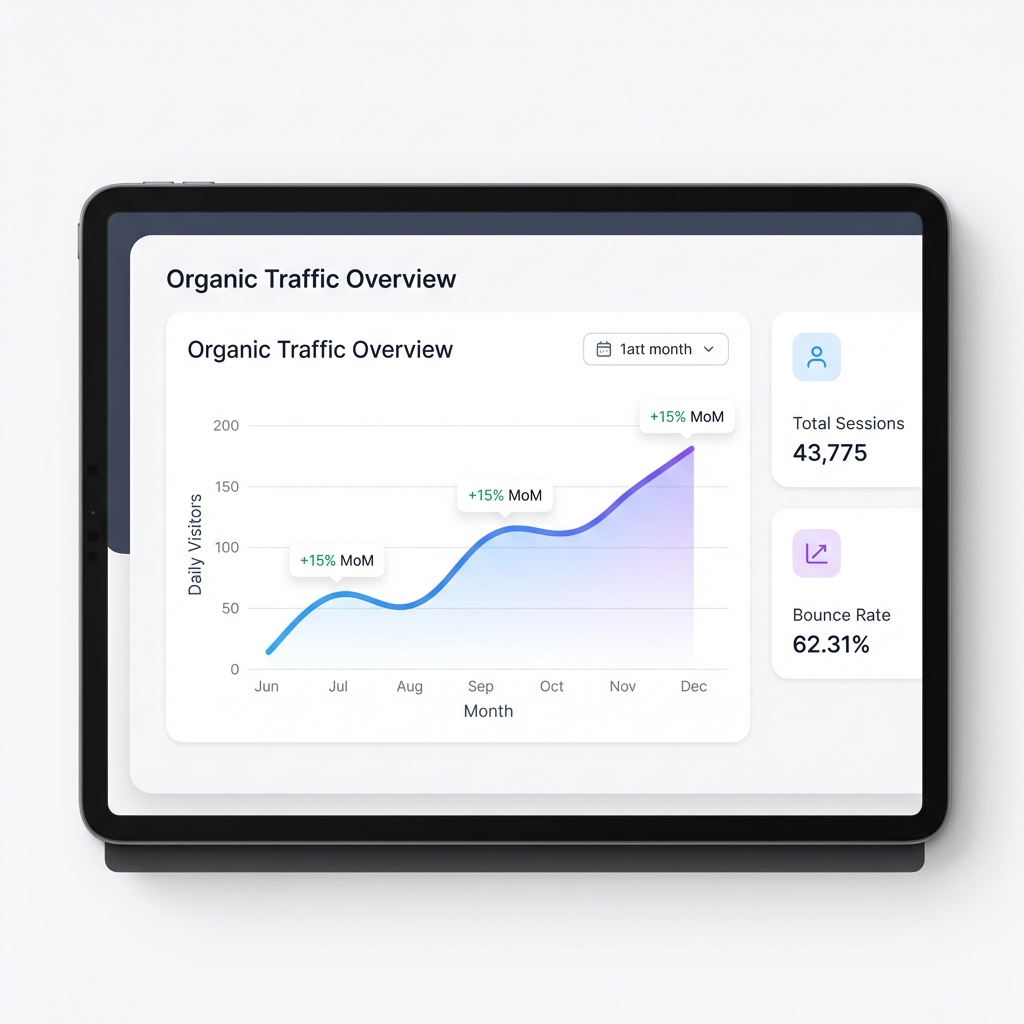
- ❌ Bad:
alt="Chart" - ✅ Good:
alt="Dashboard showing monthly increase in organic website traffic over time"
Alt Text for Different Image Types
Blog Images & Infographics
Always describe the key takeaway or subject of the graphic. If there is text in the image, include it in the alt text.
Product Images
Be specific. Include color, model number, or unique features.
alt="iPhone 16 Pro Max in Titanium Blue case"
Decorative Images
If an image is purely for design (like a swoosh or divider), leave the alt text blank (alt=""). This tells screen readers to skip it.
Decorative images with alt="" are ignored by screen readers.
- Icons used purely for visual spacing or decoration
<img src="divider.svg" alt="" role="presentation">
 Use role="presentation" to tell assistive technologies to ignore decorative images.
Do not combine descriptive alt text with role="presentation", as it prevents screen readers from reading meaningful content.
Use role="presentation" to tell assistive technologies to ignore decorative images.
Do not combine descriptive alt text with role="presentation", as it prevents screen readers from reading meaningful content.
When Should Alt Text Be Empty?
Use empty alt text (alt="") only when the image adds no informational value to the page.
Decorative images should use alt="" and may also include role="presentation".
Use alt="" when:
- The image is purely decorative (lines, shapes).
- The image repeats nearby text (e.g., an icon next to a label "Settings").
- Icons used only for visual styling.
❌ Don't leave alt empty for:
- Product images
- Informational charts
- Blog images with meaning
Common Alt Text Mistakes
- Starting with "Image of..." (Screen readers already say "Image of").
- Copying the filename directly.
- Using the same alt text for every image on the page.
Final Thoughts
Well-written alt text improves accessibility and helps search engines understand your images. Well-written alt text improves accessibility, helps search engines understand images, and supports long-term image SEO without risking over-optimization.
Want optimized alt text instantly? Try our free Image Alt Text Generator — no sign-up required.
Apply these rules automatically using our tool. Generate SEO-Friendly Alt Text